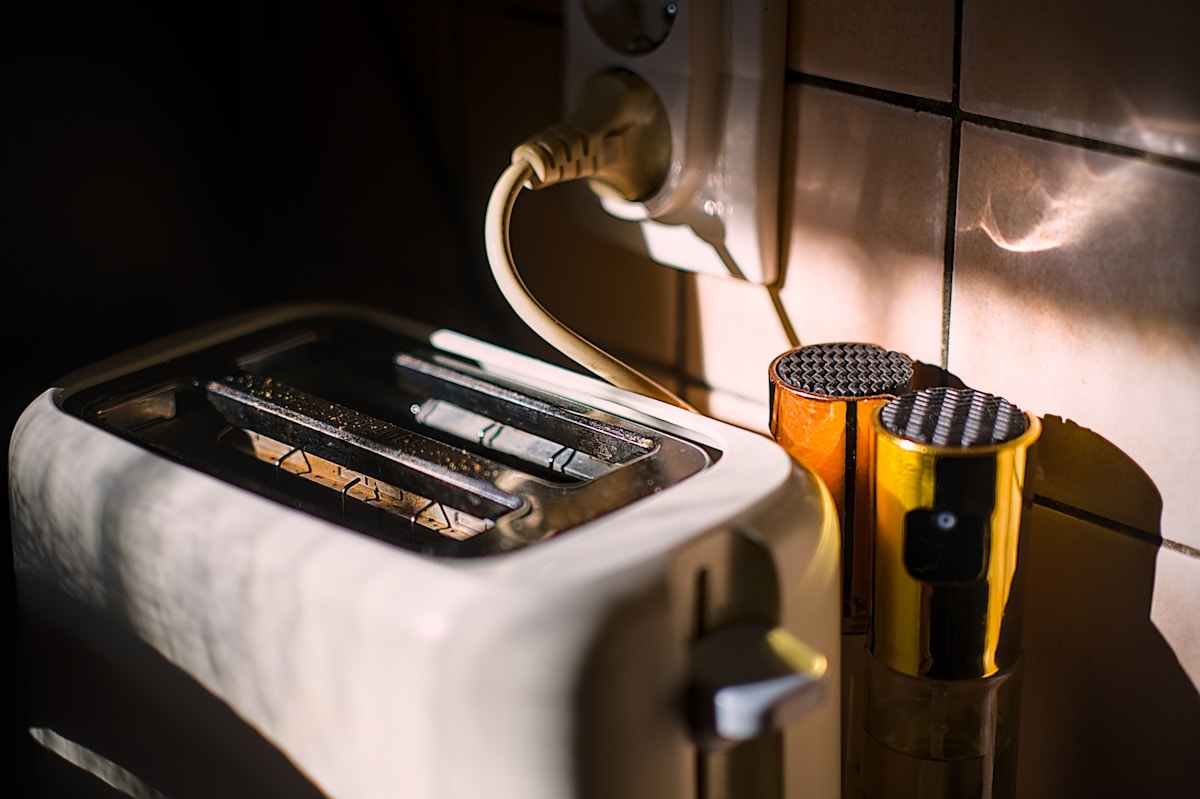
You set the dial to 2, maybe even 1. You walk away for a minute, and when you come back, the kitchen is filled with smoke and your toast looks like charcoal. It is frustrating, and it wastes bread and time. The good news is that this problem is usually fixable without buying a new appliance. Here are the five most common reasons your toaster is burning toast on low settings, and what you can do about them.
Key Takeaways
- Crumbs buildup is the most common cause; clean the crumb tray and interior thoroughly.
- A miscalibrated thermostat can often be fixed by turning the dial to the highest setting, then back to the lowest.
- Thin or stale bread toasts much faster; adjust your setting or use a thicker slice.
- Place your toaster away from ovens, stoves, or drafts to avoid ambient heat interference.
- If cleaning and calibration fail, a faulty heating element means it is time for a replacement.
The Hidden Culprit: Crumb Buildup
The most common cause of a toaster burning toast is hidden in plain sight: crumbs. Over time, bread crumbs fall to the bottom of the toaster and collect around the heating elements. When you run the toaster, those crumbs heat up, smolder, and can actually cause the elements to run hotter than they should. The result is burnt toast, even on a low setting.
How to fix it: Unplug the toaster and let it cool completely. Remove the crumb tray and empty it. Use a soft brush (a clean paintbrush or pastry brush works well) to gently sweep crumbs from the interior. Turn the toaster upside down over a trash can and shake it gently to dislodge any stuck bits. Do not use metal utensils, knives, or anything sharp while the toaster is plugged in or even unplugged if you risk damaging the elements. A thorough clean often solves the problem immediately.
Safety first: Always unplug the toaster before cleaning. Never insert metal objects while the toaster is connected to power. Allow plenty of time for the toaster to cool down after use.
Is Your Darkness Dial Actually Working? Thermostat and Calibration Issues
A toaster uses a thermostat to measure temperature and control how long the heating elements stay on. If that thermostat is miscalibrated or faulty, it can tell the elements to stay on too long even when the dial is set to a low number. This is especially common in older toasters or those that have been knocked around.
Try recalibrating: Turn the darkness dial to its highest setting, then turn it back to the lowest. Do this a couple of times. Then set the dial to a medium-low number (like 2 or 3) and test with a piece of bread. Some toasters have a hidden calibration screw, but that is not something most home cooks should attempt without a manual. If the dial does not click into place or feels loose, the thermostat may be worn out.
Note: Different brands have different calibration methods. If you have the manual, check it. If not, the simple reset described above works for many models.
Bread Thickness and Moisture: Variables You Can Control
Not all bread is the same. A thin slice of bread, especially if it is stale or dry, will toast much faster than a thick, moist slice. If you are using thin sandwich bread or bread that has been sitting out for a day, it can burn at a setting that would be fine for a bakery-style thick slice.
How to adjust: For thin or stale bread, drop the setting even lower than you think you need. For fresh, thick bread, a slightly higher setting may be required. To rule out this variable, use the same type of bread when testing your fixes. Let the bread sit at room temperature for a few minutes before toasting for more consistent results.
Environmental Factors: Where You Place Your Toaster Matters
Your toaster does not operate in a vacuum. If it sits next to a hot oven, a stovetop burner, or even a sunny window, the ambient temperature around it can rise. That extra heat can make the toaster think it is already warm, causing it to heat up faster and burn the bread.
Similarly, a draft from a vent or an air conditioner can blow cool air across the toaster, confusing the thermostat and leading to uneven toasting. Place your toaster on a stable, cool countertop away from other heat sources and direct drafts. This simple change can make a noticeable difference.
When to Say Goodbye: Signs It Is Time for a New Toaster
If you have cleaned the toaster thoroughly, tried recalibration, adjusted for bread type, and moved it to a better spot but it still burns toast on the lowest setting, the heating elements or thermostat may be failing. Look for these signs:
- Visible damage to the metal coils (broken, burned, or missing sections)
- The elements do not glow red when the toaster is on
- Sparks or unusual noises
- Persistent burning that cannot be fixed
In most cases, repairing a toaster is not economical. A basic model costs $20 to $40, and replacement parts or professional repair can cost more than that. If your toaster is more than a few years old and still burning toast after all your efforts, it is probably time to shop for a new one. Look for models with wide slots, easy-to-empty crumb trays, and positive user reviews about consistent toasting.
Frequently Asked Questions
Why does my brand new toaster burn toast on the lowest setting? New toasters sometimes have manufacturing debris inside, or the thermostat may not have been calibrated correctly at the factory. Try cleaning the crumb tray and interior, then perform the dial reset trick. If it still burns, contact the manufacturer or return it.
Can I fix a toaster that burns toast myself without calling a repair person? Yes, in many cases you can fix it by cleaning, recalibrating, or adjusting the bread type. If the issue is a broken heating element or a faulty thermostat, it is usually safer and cheaper to replace the toaster than to repair it.
How often should I clean my toaster to prevent burning? Empty the crumb tray after every use. Give the interior a deeper clean with a brush at least once a month, or weekly if you use the toaster daily. Regular cleaning keeps crumbs from building up and causing overheating.
What is the safest way to clean the inside of a toaster? Always unplug the toaster first. Wait for it to cool completely. Remove the crumb tray. Use a dry, soft brush to sweep crumbs away from the heating elements. Turn the toaster upside down and shake gently over a trash can. Never use water or metal objects inside the toaster.