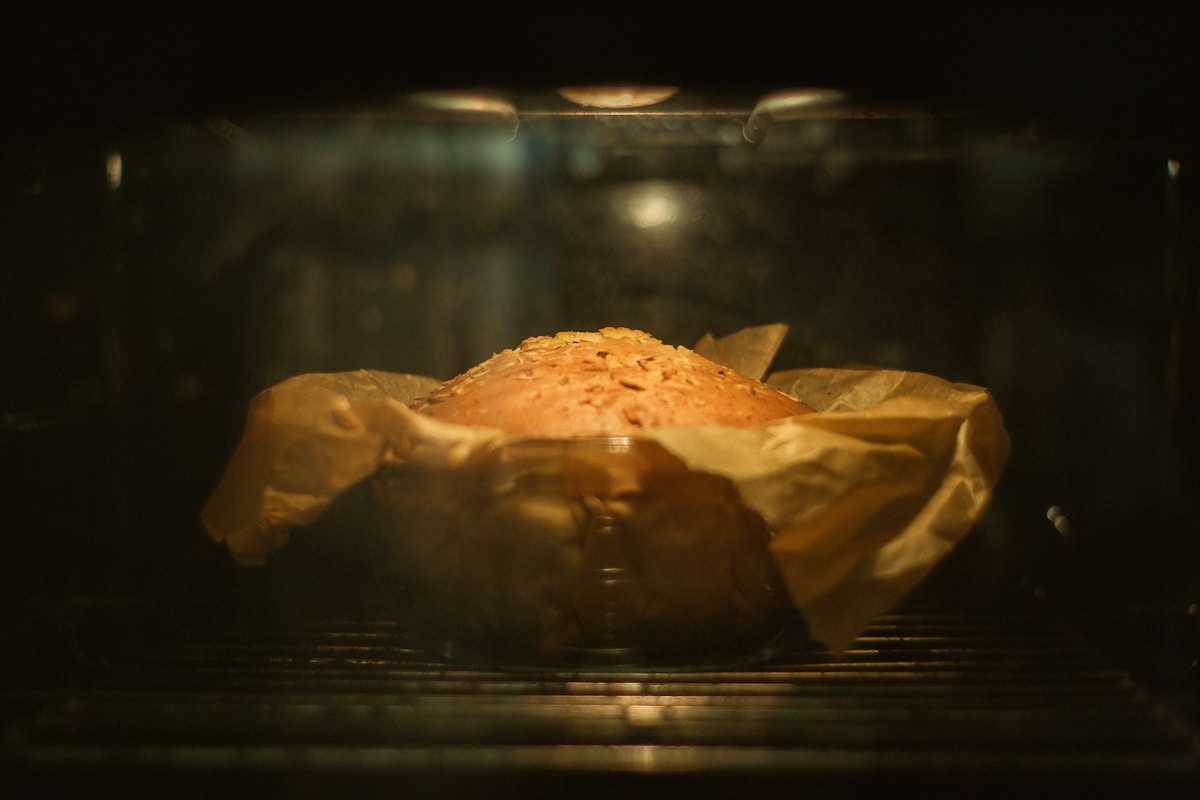
We’ve all been there. You followed the recipe to the letter. Your dough was perfect, the temperature was set precisely, and you even preheated the oven for a full 20 minutes. Yet, when the timer dings, you pull out a tray of muffins where half have exploded into glorious, golden domes and the other half look like sad, pale little hills. Or worse, a sheet of cookies with a clear dividing line between “perfectly chewy” and “carbonized hockey puck.”
It’s one of the most frustrating moments in the kitchen. You blame the recipe, you blame the leavening, you might even blame yourself. But I’m here to tell you the problem probably isn’t you or your ingredients. The culprit is almost certainly your oven. More specifically, its invisible, infuriating hot spots. The good news? You don’t need to call a repair person or buy a new appliance. You just need a loaf of cheap white bread.
What Exactly Are Oven Hot Spots?
Before we fix the problem, let’s understand it. An oven hot spot is simply an area inside your oven that gets significantly hotter than the temperature you set on the dial. A “cold spot” is the opposite. No home oven—not even the shiny, expensive ones with a dozen settings—heats with perfect uniformity.
The heating element, usually at the bottom (for bake) or top (for broil), cycles on and off to maintain an average temperature. This cycling creates waves of heat that radiate through the oven box. Metal oven walls, racks, and even the air itself don’t conduct this heat perfectly. The result? Certain areas, often the back corners or directly over the heating element, get blasted with more heat, while other areas, like the front near the door, stay cooler.
Think of it like a campfire. You don’t stand in one single spot to get warm; you find the distance that’s just right. Your oven has those “too close to the fire” zones, and your baking is suffering for it. (And yes, this applies to both gas and electric ovens.)
The Cheapest Diagnostic Tool in Your Kitchen The Bread Test
Ready to map your oven’s unique thermal personality? Forget fancy laser thermometers for now. Go to the store and buy the cheapest, most generic loaf of white sandwich bread you can find. (Yes, the squishy kind is perfect for this.) This simple test will give you a crystal-clear visual map of where your oven runs hot and cold.
Here’s how to do it, step-by-step:
- Position Your Rack: Place one oven rack in the center position. This is where most baking happens, so it’s the most important one to map. You can repeat the test later for other rack positions if you’re curious.
- Preheat Your Oven: Set your oven to 350°F (175°C) and let it preheat for at least 20 minutes. We want to ensure it’s reached a stable temperature, not just the moment the preheat light turns off. (Your oven is probably lying to you about being ready, but that’s a topic for another day.)
- Create Your Grid: Cover the entire surface of the oven rack with slices of white bread. Place them edge-to-edge, creating a full grid. You want to see how the entire area heats up.
- Bake and Observe: Place the rack in the oven and “bake” the bread for 10 to 15 minutes. Stay close and keep an eye on it through the oven door. You’re not making toast for breakfast; you’re conducting a science experiment.
- Analyze the Evidence: After about 10 minutes, you should start to see a pattern emerge. Some slices will be pale white, some perfectly golden, and some will be rapidly heading toward dark brown or black. Pull the rack out when you have a clear range of colors. Arrange the slices on your counter in the exact same pattern they were in the oven.
Congratulations. You’ve just created a thermal map of your oven.
How to Read Your Toast Map
Now for the fun part. What is your toast telling you?
- Dark Brown / Burnt Slices: These are your major hot spots. This is where things will burn first. It’s often the back corners or the area directly in the center, depending on your oven’s design. Make a mental note (or even a physical sketch) of these zones.
- Perfectly Golden Slices: This is your oven’s “true” temperature zone. This is the sweet spot where you want to do most of your delicate baking.
- Pale / Untoasted Slices: These are your cold spots. These areas aren’t getting enough consistent heat. This is often near the front door where heat escapes every time you peek. A cake placed here might take longer to cook or fail to rise properly.
You now have more useful information about your oven’s performance than the manual ever gave you. This knowledge is your new superpower in the kitchen.
Four Ways to Manage Hot Spots and Bake Evenly
Okay, you’ve got your map. Now what? You don’t need to replace your oven. You just need to work with it. Here are the most effective strategies, from easiest to most involved.
-
The Mighty Rotation (The #1 Fix): This is the single most important habit you can adopt for better baking. For anything that bakes longer than 15-20 minutes (cookies, cakes, casseroles, roasts), open the oven halfway through the cooking time and rotate the pan 180 degrees. If you’re baking two sheets at once, swap their rack positions and rotate them both. This ensures every side of the pan gets exposed to the various temperature zones, averaging out the heat and promoting even cooking and browning.
-
Strategic Placement: Use your toast map to your advantage. Are you baking something delicate that you don’t want to over-brown, like a batch of macarons or a cheesecake? Avoid placing the pan directly in a known hot spot. Conversely, if you want a deep, crispy crust on a pizza or a loaf of bread, the hot spot might be your best friend.
-
Invest in an Oven Thermometer: The bread test shows you where the heat is, but a good oven thermometer tells you if your oven’s thermostat is accurate in the first place. You can get a reliable dial thermometer (like one from Taylor or CDN) for under $10. Hang it from the center rack and compare its reading to your oven’s display. It’s not uncommon for an oven set to 350°F to actually be running at 325°F or 375°F. If you find a major discrepancy, you can simply adjust your settings accordingly. If it says 375°F when you set 350°F, you now know to set it to 325°F to get a true 350°F.
-
Use the Right Tools:
- Baking Stones and Steels: Placing a baking stone or steel on a lower rack can act as a massive heat sink. It absorbs a ton of heat and then radiates it evenly throughout the oven cavity, which can seriously help buffer the temperature swings that create hot spots. It’s a fantastic upgrade for bread and pizza bakers, but it benefits everything.
- Pan Color Matters: Dark metal pans absorb more heat and can lead to darker, crispier bottoms and edges. Light-colored aluminum pans reflect heat and are better for more delicate, evenly baked goods like cakes. If you know you have a powerful hot spot, using a lighter-colored pan can help mitigate some of its intensity.
The bottom line is that learning the quirks of your oven is far more practical and affordable than buying a new one and hoping it’s perfect (it won’t be). With a cheap loaf of bread and a little observation, you can turn inconsistent results into reliable, delicious bakes every single time. Happy baking.