Go ahead, open that one kitchen drawer. You know the one. It’s a chaotic jumble where the silicone spatula gets tangled with the whisk, and the garlic press hides under a pile of cookie cutters you haven’t used in three years. We’ve all been there, standing in The Container Store, holding a generic plastic organizer, trying to mentally map our tools into its unforgiving, one-size-fits-all slots.
Most of the time, it doesn’t work. The slot for the ladle is too narrow, the section for measuring spoons is too shallow, and you end up with a drawer that’s only slightly less chaotic than before. You paid for a solution, but you only got a temporary truce. For years, this was the accepted reality of kitchen organization. But what if you could create a solution designed pixel-perfect for your tools, your drawers, and your workflow? What if the ultimate organization tool wasn’t something you buy, but something you make?
The Problem with One-Size-Fits-All
Off-the-shelf kitchen organizers operate on a lie. The lie is that all kitchens, and all cooks, are the same. They assume your favorite spatula has the same dimensions as everyone else’s. They don’t account for that oddly shaped immersion blender, the heirloom pastry cutter, or the collection of non-standard spice jars you picked up on vacation.
The result is wasted space. Gaps appear where your tools don’t fit, and small items slide underneath dividers. You’re forced to adapt your collection to the container, rather than the other way around. It’s a compromise that we’ve simply accepted. But for those of us who spend a lot of time in our kitchens, that small, daily friction adds up. It’s the frustration of rummaging for the right tool when your onions are about to burn. The right tool makes cooking easier, and that extends to being able to find it.
Enter the Custom Solution: Your Kitchen, Your Design
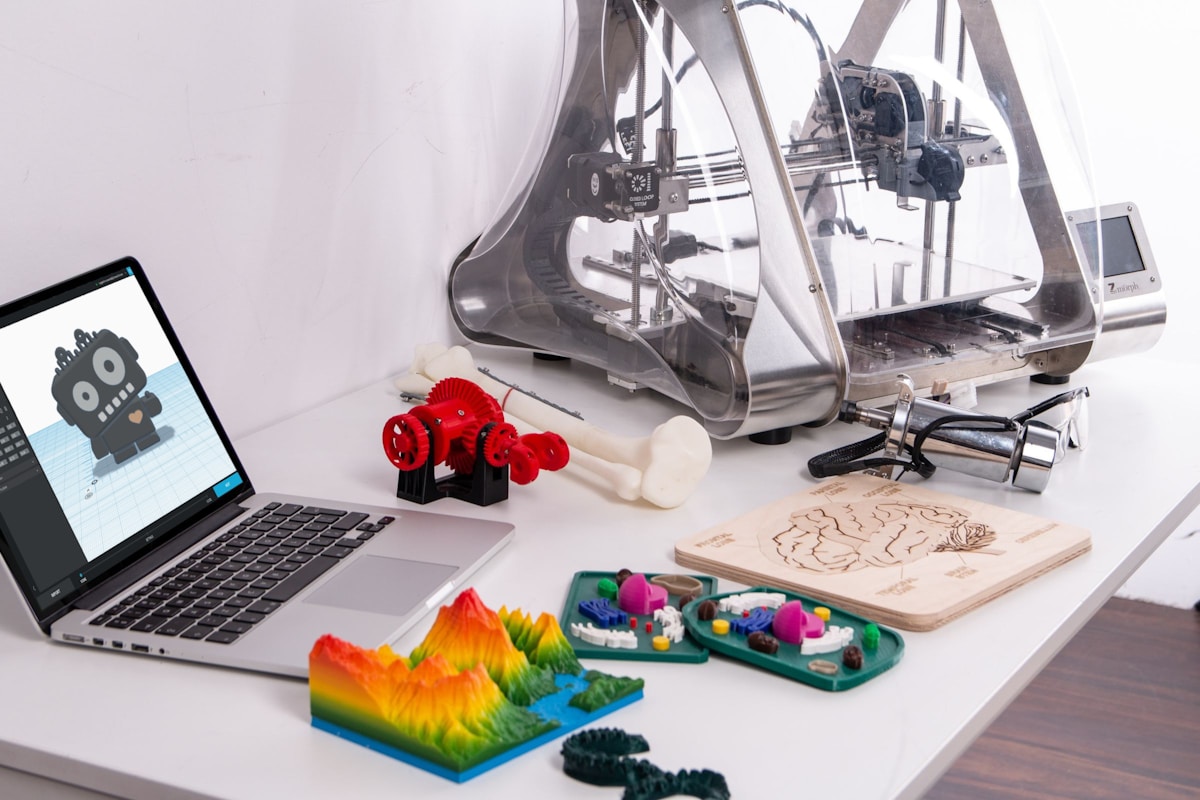
This is where the ‘maker’ movement crashes into the kitchen. A 3D printer, once a niche gadget for engineers and hobbyists, has become an accessible and surprisingly practical tool for the home. Think of it as a personal micro-factory on your countertop. Instead of searching for the perfect organizer, you design and print it yourself using simple software.
The process is straightforward at its core. You measure your drawer and your tools. You use free or low-cost computer-aided design (CAD) software—like Tinkercad for absolute beginners or Fusion 360 for more complex projects—to digitally build your organizer. Then you send the file to your 3D printer, which builds the object layer by layer out of plastic filament. The beauty is in the iteration. Is the slot for your whisk too tight? Adjust the design by a few millimeters and print it again. (Your second attempt will probably be perfect.)
Real-World Kitchen Upgrades You Can Print Today
This isn’t about printing useless trinkets. This is about solving real, persistent kitchen annoyances. Here are a few practical examples of what you can create:
-
The Perfect-Fit Utensil Tray: Measure your five most-used utensils. Design a tray with five custom-molded slots, each shaped precisely for one tool. No more rattling, no more tangled messes. The tray will use every square inch of your drawer space efficiently.
-
The Awkward-Appliance Tamer: That immersion blender, with its long wand and clumsy cord, is a classic drawer villain. You can design a simple wall-mounted holder or an upright stand that keeps the blender, its cord, and its attachments all neatly contained in a corner of your pantry.
-
The Spice Rack Savior: Do you have a mix of Penzey’s jars, supermarket bottles, and bulk-bin containers? No single spice rack can hold them all neatly. With a 3D printer, you can design modular, stackable hex-shaped holders that fit each specific jar size, creating a beautiful and functional honeycomb pattern on your wall or in a drawer.
-
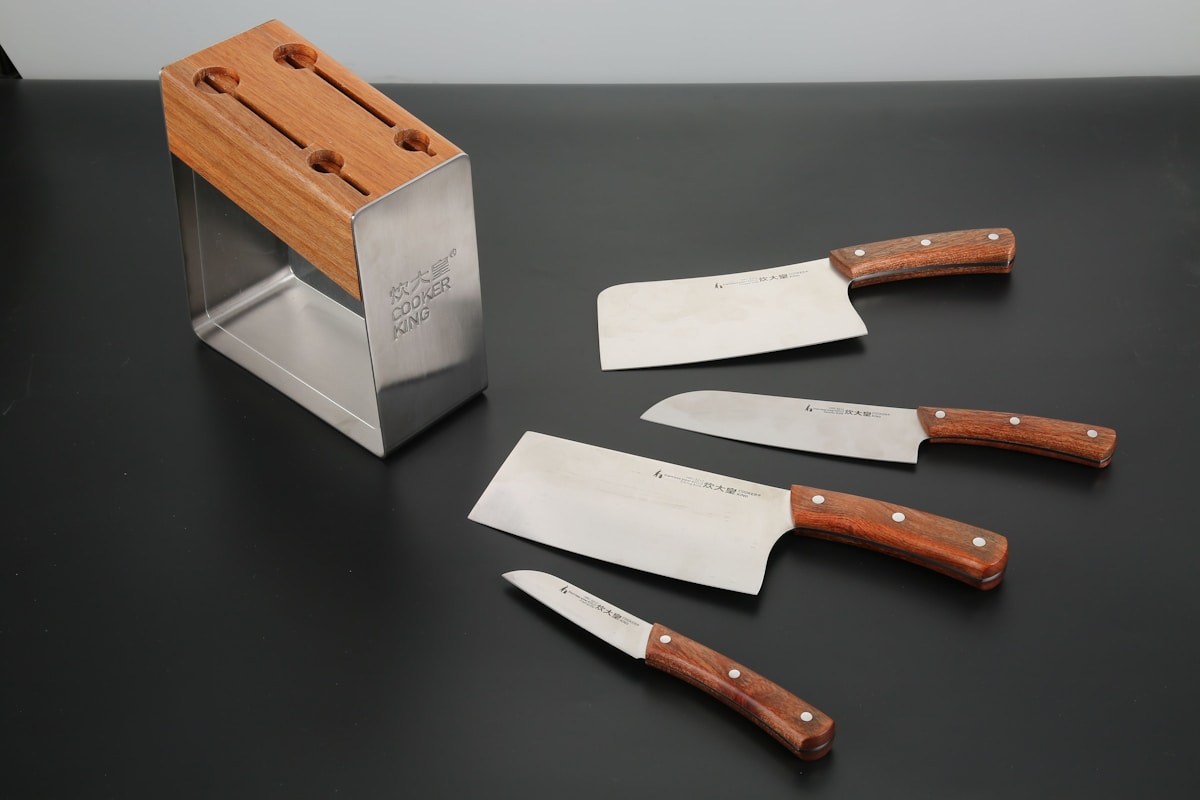
The Under-Cabinet Knife Block: Don’t have the counter space for a traditional knife block? Design a slim block that mounts under your upper cabinets, holding your knives securely and freeing up valuable prep area. You design the slots to perfectly match the width and depth of each of your blades.
-
Specialized Baking Tool Organizers: Finally, a home for your dozens of cookie cutters, piping tips, and fondant tools. You can print stackable trays with custom dividers or pegboard-style holders that keep everything visible and accessible.
Getting Started: The Gear You Actually Need
Jumping into 3D printing can feel intimidating, but the barrier to entry is lower than ever. Here’s a no-nonsense breakdown of the essentials:
-
The Printer: You don’t need an industrial machine. Entry-level printers like the Creality Ender 3 series ($200-$300) are fantastic for learning and are capable of producing high-quality organizers. For a more user-friendly, out-of-the-box experience, something like the Bambu Lab A1 Mini (around $450) is an excellent choice. The key is finding a printer with a build plate large enough for your intended projects.
-
The Filament (The “Ink”): This is the plastic spool that the printer melts to create your object. For kitchen use, the two most common types are PLA and PETG.
- PLA (Polylactic Acid): It’s easy to print, affordable, and comes in tons of colors. It’s made from plant-based resources, but it’s also brittle and can warp at temperatures above 140°F (60°C). So, don’t put it in the dishwasher! It’s great for drawer organizers, scoops, and tool holders that won’t see high heat.
- PETG (Polyethylene Terephthalate Glycol): This is a tougher, more durable, and more heat-resistant cousin of the plastic used in water bottles. It’s generally considered more “food-safe” than PLA, though you should always buy filament specifically certified as food-safe if it will have prolonged contact with food. PETG is excellent for items that might take more abuse.
(My Kitchen Hack): Even with “food-safe” filament, it’s wise to be cautious. The layer-by-layer printing process can create tiny crevices where bacteria can hide. I recommend using your prints for indirect contact: utensil holders, drawer dividers, organizers for wrapped goods, or coffee pod towers. For direct food contact, stick to commercially manufactured, injection-molded items.
-
The Software: This is where you’ll design your creations. The best part? You can start for free. Tinkercad is a browser-based program that’s as easy as playing with digital building blocks. For more precise and complex designs, Fusion 360 offers a free license for personal, non-commercial use. There’s a learning curve, but a few YouTube tutorials will have you designing basic boxes and dividers in an afternoon.
The Honest Verdict: Is It Really Worth It?
As with any tool, a 3D printer isn’t a magic wand. It requires a bit of patience and a willingness to learn. So, let’s weigh the real pros and cons.
Pros:
- Unmatched Customization: You can solve organization problems that no store-bought product can.
- Deep Satisfaction: There’s a unique sense of accomplishment in designing and creating a physical object that solves a personal problem.
- Cost-Effective (for Niche Problems): While the printer is an initial investment, the cost of filament for a custom drawer organizer (a few dollars) is far less than buying and trying three different commercial ones that don’t work.
Cons:
- The Learning Curve: You will have failed prints. You will have to learn basic design principles. It takes time.
- It’s Slow: A medium-sized drawer organizer can take 8-12 hours to print. This is not an instant-gratification hobby.
- Requires Tinkering: You’ll need to learn how to level the print bed, clean the nozzle, and troubleshoot minor issues. It’s a hands-on tool.
So, should you run out and buy one? If you’re the kind of person who enjoys DIY projects, gets satisfaction from a perfectly organized space, and has a few specific, nagging storage problems, then a 3D printer could genuinely be a game-changing tool for your kitchen. It’s the ultimate expression of making a space work perfectly for you.
If you just need a simple tray for your forks and knives and don’t want a new hobby, then a quick trip to the store is still your best bet. But for the kitchen tinkerer, the ability to turn a frustrating drawer into a bastion of perfect order is a magic all its own.


 Lucas
Lucas